
Obama Mic Toss Template AI Video: Your Face on a Ready-Made Stage
Mic tosser
Required
Wingman
Not in Lite
Crowd waver
Not in Lite
Tap a face to upload the person who replaces them. Spots you leave empty keep our template cast.
A failed render costs you nothing.
The template and three recasts
Clip one is the untouched template, cast with people who do not exist. Clips two to four show it after a Lite render, each from an AI-generated test portrait. Tap for sound.
0–15 s · The template
Fictional cast, before any upload
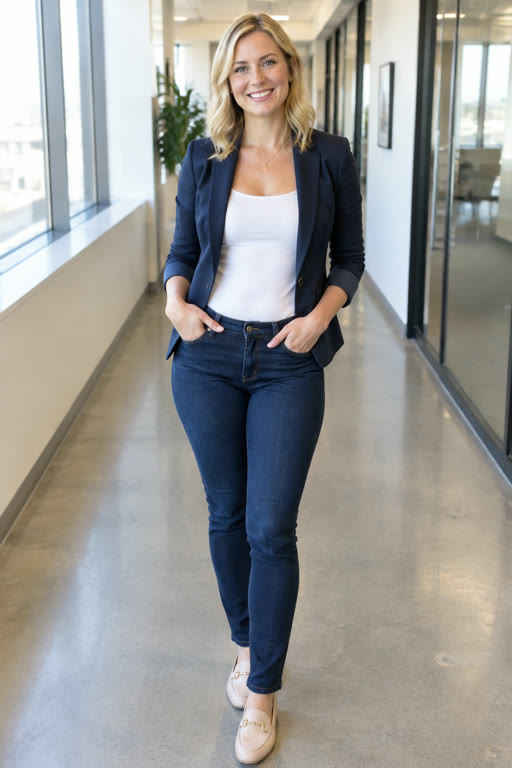
Lite · blazer
Mic tosser recast, seconds 9–13
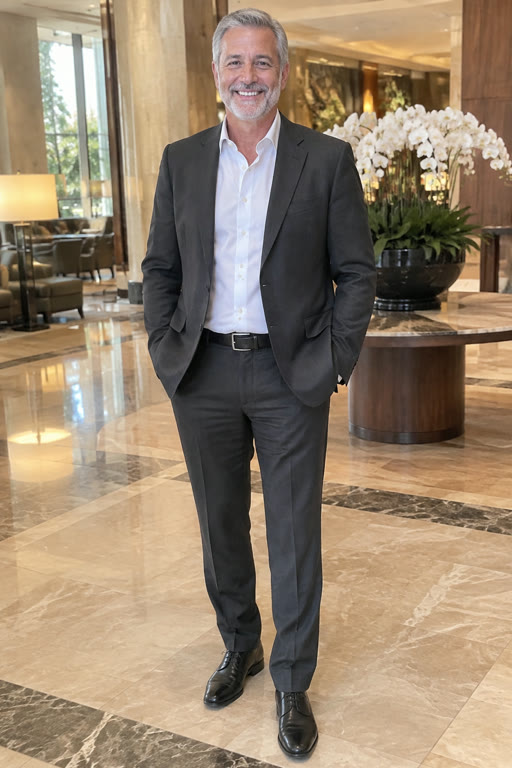
Lite · gray suit
Same stage, same catch
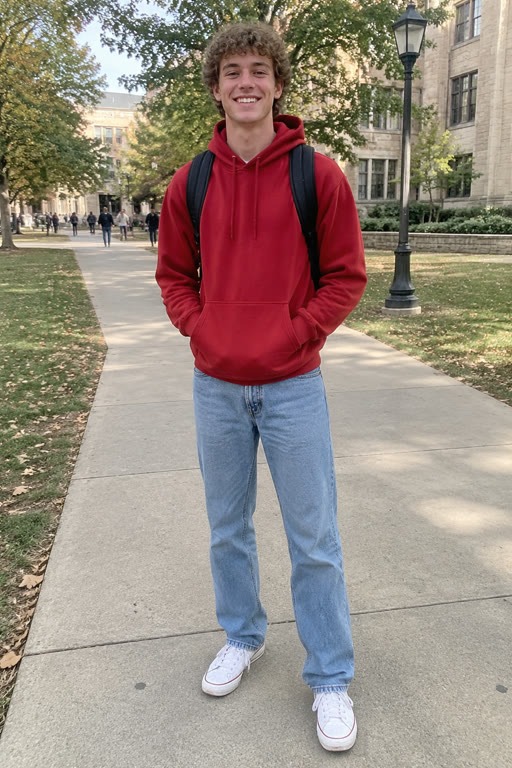
Lite · red hoodie
Hoodie and curls kept from the photo
What the Obama mic toss template locks and what you change
An Obama mic toss template is a clip in which everything except the people is locked: you bring the faces, it brings the rest. Knowing the split tells you what a photo can and cannot change before you upload. For the backstory of the move itself, read about the Obama mic toss trend.
Locked: the stage and the crowd
A packed theater with phone lights in the balcony, filmed from a low camera. No other background or stage is offered.
Locked: slow motion and timing
The toss lands about ten seconds into the full clip and the catch half a second later, every time.
Locked: the aide and the music
The aide who steps in from the right and catches the mic is never replaced, and the same music plays under every version.
Yours: faces, hair and clothes
Each photo replaces one person on stage. Whatever they wear in the picture, a blazer or a hoodie, is what they wear on the walk.
Who you can put in the mic toss template
The generator shows three replaceable people with the template cast's faces. Fill one, two or all three; anyone you skip stays as the fictional person already there. An Obama mic toss meme usually needs only the first.
Mic tosser (required)
Center stage: walks toward the camera, flicks the mic back without looking, raises a hand to the balcony and walks off.
Wingman (optional)
Walks on the left and, near the end, claps and grins straight into the camera. Right for the friend who always hypes everyone else.
Crowd waver (optional)
Takes the right-hand side, one arm up to the balcony the whole way. Recast in Standard and Full; Lite replaces the mic tosser only.
Three cuts of one Obama mic toss template
The Version buttons decide how much of the 15-second clip you get. All three come out as 16:9 MP4s with the music: Lite at 480p, Standard and Full at 720p. Credits per cut are listed on Obama Mic Toss pricing.
Lite · 4 seconds
Roughly seconds 9 to 13, the heart of it: approach, toss, catch, a hand going up. Mic tosser only. The 20 free credits on a new account cover one.
Standard · 10 seconds
Seconds 5 to 15, from mid-walk to the exit, with all three slots open to recasting.
Full · 15 seconds
The entire clip, from three people walking out in front of the packed theater to the wingman's clap on the way off.
Getting the best out of an Obama mic toss template
With a fixed template the photo is the only thing you control, so a little planning pays off. Watch the full clip on the Obama Mic Toss home page before you choose who goes where.
Give the center to the subject
The mic tosser carries the joke and gets the most screen time. That slot belongs to the person the video is about, not to whoever sent the nicest photo.
Dress for a dark theater
The outfit in the photo walks the stage. A light jacket or a bright top stands out against the crowd, and a full-body picture shows the AI all of it.
Test with Lite first
Lite recasts only the center walker in four seconds, a cheap way to see how a photo comes out before spending credits on a longer cut with friends.
Empty slots are fine
A skipped slot keeps the template's fictional walker, so a solo render still shows three people crossing the stage.
Add text afterwards
There is no text field. Put your caption on with the posting app's own text tool or any phone editor after you download.
Trim, don't crop
Cutting a second off either end is safe. Cropping the frame narrower loses the aide on the right, and the catch with it.
Mic toss template or a CapCut edit: a fair comparison
Search for an Obama mic toss CapCut project and you find templates that differ from creator to creator, so the right column describes editing the moment yourself in CapCut or a similar editor. Both routes work for different people. Our step-by-step page on how to make Obama mic toss videos walks through this site's route.
| This templatephoto in, video out | Editing it yourselfCapCut or similar | |
|---|---|---|
| What you start with | One photo per person | Source footage plus clips you film |
| How a face gets in | The AI renders face, hair and clothes into the scene | You film yourself or layer a cutout, shot by shot |
| Several people | Up to three in one render | As many as you can film and edit |
| Creative control | Fixed stage, timing and music | Text, music, background and length are all yours |
| Time spent | A few minutes of rendering | Depends on your editing skill |
Obama mic toss template FAQ
Where can I get the Obama mic toss template?
Right here: the generator heading this page is the template. Upload a photo into the Mic tosser slot, choose a version and press Generate. You do not download a project or open an editor; the finished video comes back as an MP4 after a few minutes, ready to save to your phone.
Is there an Obama mic toss CapCut template?
CapCut templates come from individual creators, so what one asks for and how it looks depends on whoever made it. This page offers something different: an AI template that renders your face into the stage clip itself, with no editing app, no clip hunting and no lining up shots by hand.
Does the Obama mic toss template use the real footage?
No. Every frame was generated: we rebuilt the moment with AI using people who do not exist, so neither Obama nor anyone else from the real clip appears in it. Your photo takes the mic tosser's place; the stage, the crowd, the slow motion, the camera and the music stay exactly as rebuilt.
Can I change the background, add text or swap the music?
No. The stage, crowd, camera, timing and music are part of the template and stay the same in every render, and there is no field for custom text. If you want a caption burned in or a different sound, download the MP4 and add them in any editor afterwards.
Can I replace the aide who catches the mic?
No. The aide is a fixed part of the template and is never recast. You can replace up to three people: the mic tosser, who is required, plus the optional wingman and crowd waver. In Lite only the mic tosser changes; the others keep their template faces.
Can I get it in vertical 9:16?
Not as a render. Every version comes out horizontal 16:9 and plays letterboxed on TikTok, Reels and Shorts, much like the slow-motion original circulated. Cropping it to vertical yourself would cut off the wingman on the left or the aide on the right.
Is this Obama mic toss template official?
Obama Mic Toss is an independent fan-made tool, not affiliated with Barack Obama, the Obama Foundation or any campaign. We built the template ourselves with AI, and every video made with it is a fan edit, so tick the AI-content box whenever you post one.
Your face in the Obama mic toss template
Upload one photo, pick a cut and let the template handle the theater, the slow motion and the catch. A failed render never costs credits.