
How to Make Obama Mic Toss AI Video: Photo to Download in 3 Steps
Mic tosser
Required
Wingman
Not in Lite
Crowd waver
Not in Lite
Tap a face to upload the person who replaces them. Spots you leave empty keep our template cast.
A failed render costs you nothing.
One portrait, one Lite render
Corner photo in, 4-second clip out. All three portraits are AI-generated tests. Tap for sound.
Full-body, facing the lens
Blazer and blonde hair carried over
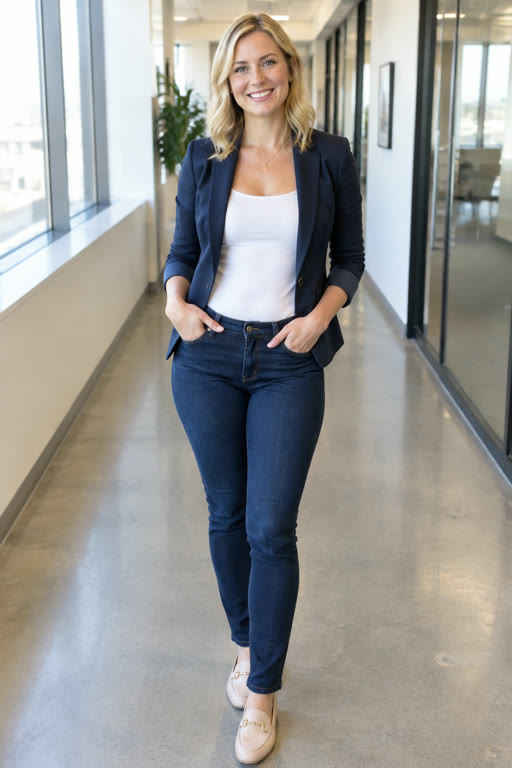
Even light, no glasses
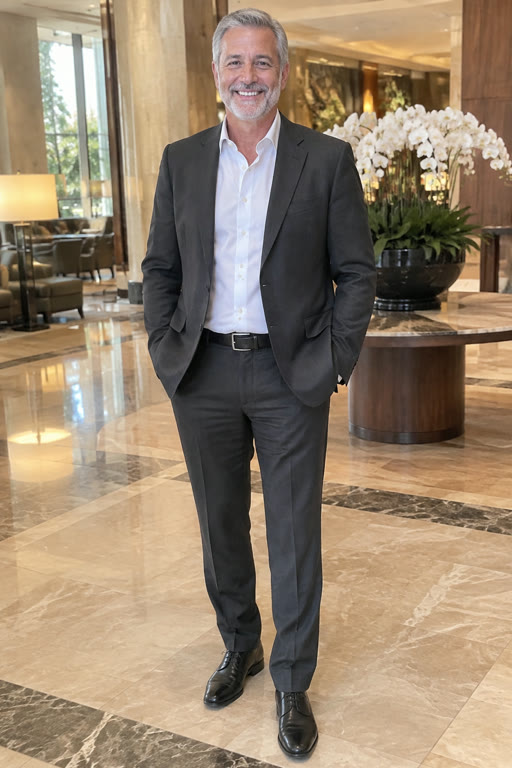
Suit and beard kept
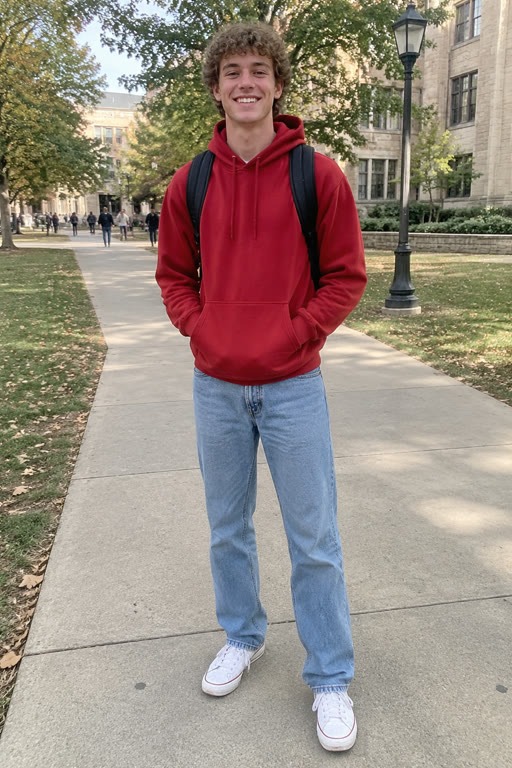
Casual photo, clear face
The red hoodie makes the walk
What you need for an Obama mic toss AI video
How to make Obama mic toss clips comes down to one good photo and a few minutes of waiting; there is no app to install and nothing to type. Everything the photo cannot change is explained on the Obama mic toss template page.
A clear photo
Sharp face toward the camera, good light. Full-body is best, because clothes come from the picture too.
Everyone's yes
Ask friends before uploading them. Adults only, and never a celebrity or other public figure.
A browser and an account
Any phone or desktop browser works. Sign-up credits cover one Lite clip.
A cast plan
Decide who takes the center and whether anyone joins on the sides.
Six photo mistakes that spoil the toss
The AI copies what the photo shows, so a weak photo gives a weak clip. A face that reads clearly is also what sells the Obama aura in the final walk.
Sunglasses or a low cap
The AI has to guess the eyes, and a guess shows during a slow walk toward the camera.
A heavy filter or beauty mode
Smoothed skin and shifted colors carry straight into the clip.
Dark or backlit
A bright window behind leaves the face in shadow. Turn toward the light.
A face at an angle
A profile or a downward glance gives the AI half a face to work from. Aim for front-on, eyes to the lens.
A group photo
With several faces in frame the AI may pick the wrong one. Use a solo picture.
A tight headshot only
A face-only crop leaves the outfit to chance. A full-body shot shows exactly what to wear on stage.
How to make Obama mic toss in 3 steps
This is the whole Obama mic toss tutorial for the generator at the top of the page, from empty slot to finished file.
1 · Add the photos
Tap the Mic tosser slot and upload a photo of whoever takes the center. Optionally fill Wingman (left, claps at the end) and Crowd waver (right, waves to the balcony); empty slots keep the template cast.
2 · Pick a version
Lite · 4s is just the toss and catch, center walker only, 480p. Standard · 10s and Full · 15s run at 720p and recast up to three people.
3 · Generate, download, post
Press Generate and wait a few minutes, then download the 16:9 MP4 with the music. When you post it on TikTok, Reels, Shorts or X, switch on the platform's AI-generated label.
Fixing a mic toss that came out wrong
Most problems trace back to the photo, and a render that fails costs nothing, so a second try is cheap. These fixes apply to the same generator you find on the Obama Mic Toss home page.
The face does not match
Old, blurry or chat-compressed pictures are the usual culprits. Use a sharper one.
The outfit is wrong
Clothes come from the picture. If the clip invents a jacket, upload a full-body photo where the outfit is visible.
A friend did not appear
Wingman and crowd waver are only recast in Standard and Full. In Lite the mic tosser is the only person replaced.
The render failed or was filtered
Nothing is charged; the credits go straight back. Check the photo: one consenting adult, not a public figure, not a group.
It looks small on TikTok
Horizontal 16:9 plays letterboxed on vertical feeds. That is expected; caption the empty space.
It is taking a while
Standard and Full usually need 5 to 6 minutes and sometimes more; Lite needs about 3. A slow render is not a failed one.
How to make Obama mic toss with other tools: an honest comparison
People reach for three kinds of tools, each trading effort for control differently. What this site's route costs in credits is on Obama Mic Toss pricing.
| Obama Mic Tossphotos in, video out | Face-swap appswaps onto a clip you bring | Video editoryou build it by hand | |
|---|---|---|---|
| What you upload | One photo per person | A photo plus a source video | Footage plus shots of yourself |
| The stage and the catch | Built into the template | Only if you find a clip | Only if you film or source it |
| Clothes and hair | Taken from your photo | Usually the face only | Whatever you film |
| Control | Fixed scene, timing and music | Depends on the app | Complete |
| Effort | Upload, then wait minutes | Find a clip, swap, trim | Hours, depending on skill |
Obama mic toss tutorial FAQ
How to make Obama mic toss with my own face?
Put a clear, front-on selfie or full-body shot in the Mic tosser slot, choose a version and press Generate. The AI keeps the stage, crowd, slow motion and catch from the template and gives the center walker your face, hair and clothes. Download the MP4 when the render finishes.
How long does an Obama mic toss AI video take?
About 3 minutes for Lite and about 5 to 6 minutes for Standard and Full, sometimes longer when many renders are queued. If something goes wrong along the way, the credits are returned and you can try again with a better photo.
How to make Obama mic toss with friends?
Choose Standard or Full, then add a photo to the Wingman slot, the Crowd waver slot or both, next to your mic tosser. Each photo shows one adult who agreed to take part. Lite only recasts the mic tosser, so a group version needs one of the two longer cuts.
Is there a free way to try it?
Yes, one Lite video. The 20 credits added when you sign up match its cost exactly: four seconds at 480p, starring whoever is in your photo. Standard and Full cost more credits per video. A render that fails or gets filtered is never charged, so testing a photo carries no risk.
Can I use a photo of a child or a celebrity?
No to both. The generator only takes consenting adults, one person per photo. Kids are never accepted, and neither are famous people of any kind, from actors to officials, or anyone who has not said yes. Group photos also fail, because each slot needs exactly one face.
Should I label the video as AI when I post?
Yes. Any Obama mic toss AI video made here should carry the AI-generated label on TikTok, Reels, Shorts or X. The stage clip is our own AI recreation with fictional people rather than the real footage, and your version is a fan edit. For caption angles that suit the clip, browse the Obama mic toss meme ideas.
Why is my video horizontal?
The template is a 16:9 stage shot, so every version comes out horizontal. On vertical feeds it plays letterboxed, as the original slow-motion repost did. There is no 9:16 output, and cropping one yourself would push the wingman or the aide out of frame.
Is this an official mic toss app?
Obama Mic Toss is an independent fan-made tool, not affiliated with Barack Obama, the Obama Foundation or any campaign. Nothing needs installing: it works in a phone or desktop browser, and your finished clip downloads as an MP4 you can post anywhere.
Put your best photo in the center
Pick a sharp, front-on picture, choose a version and press Generate. The download is ready in minutes.